1
Create a temporary folder
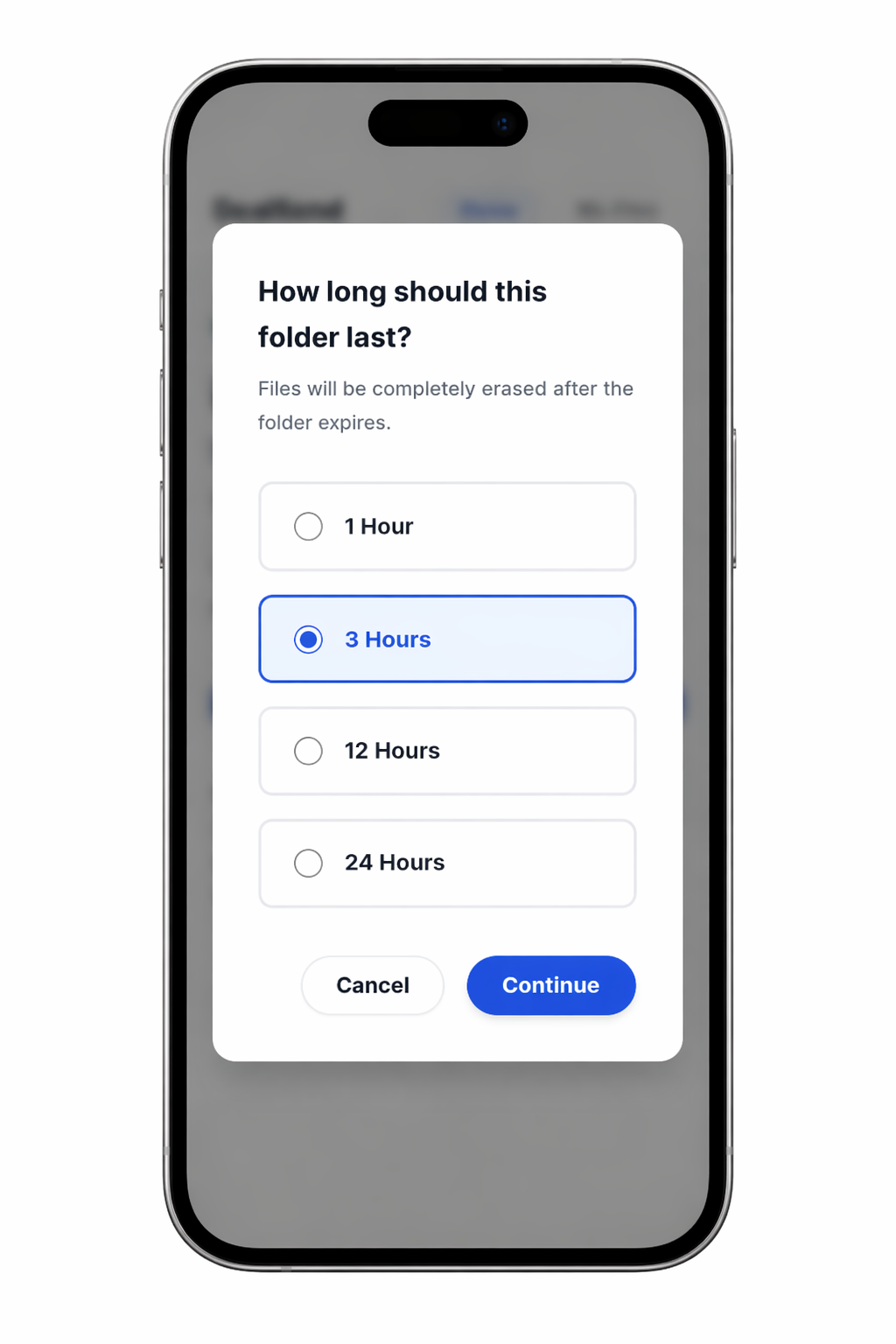
Choose how long the folder should stay active: 1, 3, 12, or 24 hours.
When the folder expires, access ends and the files are removed from ProofSend.
How this works
Upload files, prove they are ready, and control who can access them. Share access only when you choose.
Choose how long the folder should stay active: 1, 3, 12, or 24 hours.
When the folder expires, access ends and the files are removed from ProofSend.
Each folder has its own private link and its own password.
Both are required to open it. Sharing only the link is not enough.
Decide whether recipients can download the files or only view them inside ProofSend.
Add your files and ProofSend starts syncing them immediately.
Files are encrypted before upload. Access stays controlled unless you share it.
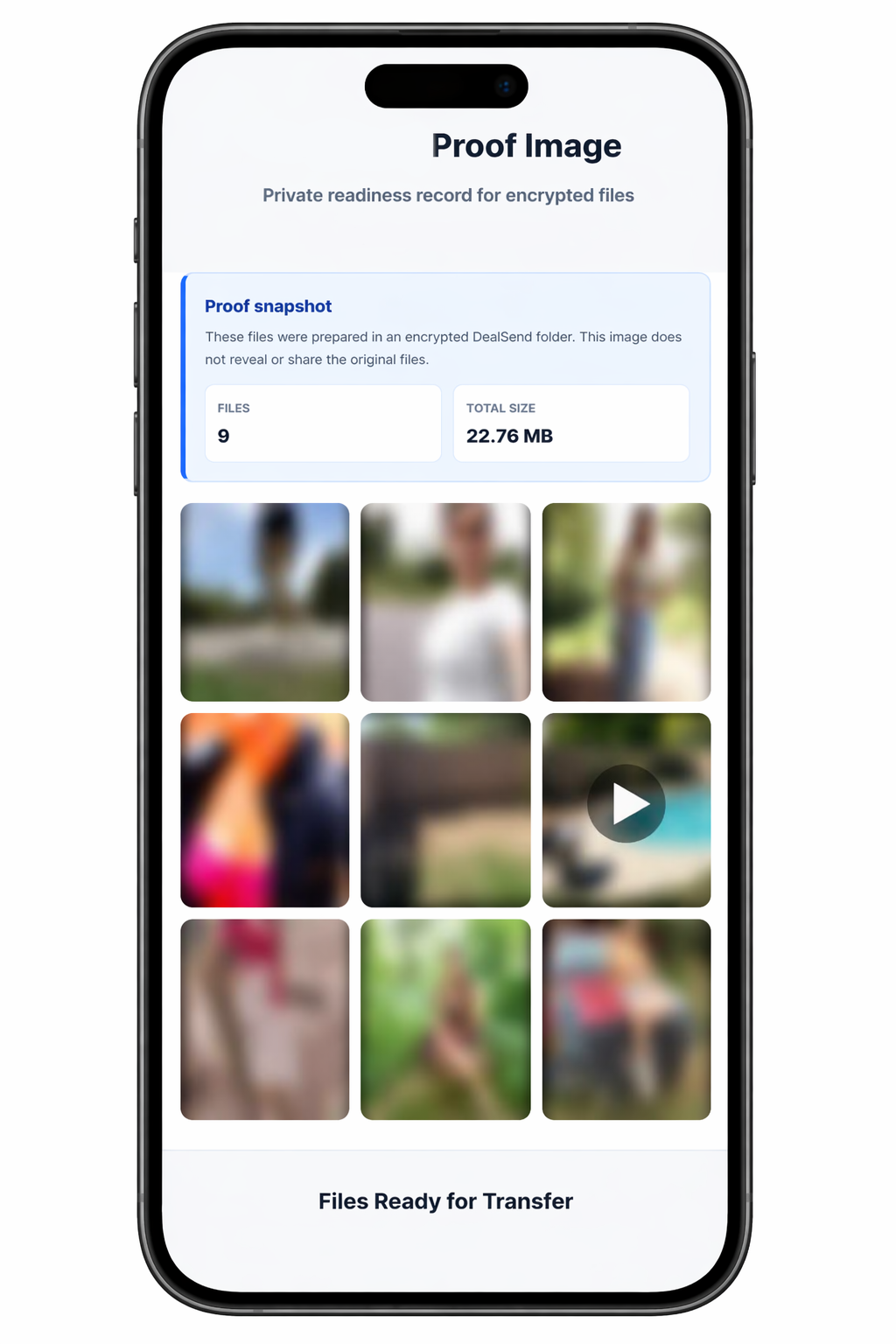
When syncing finishes, save a proof image showing the folder is ready.
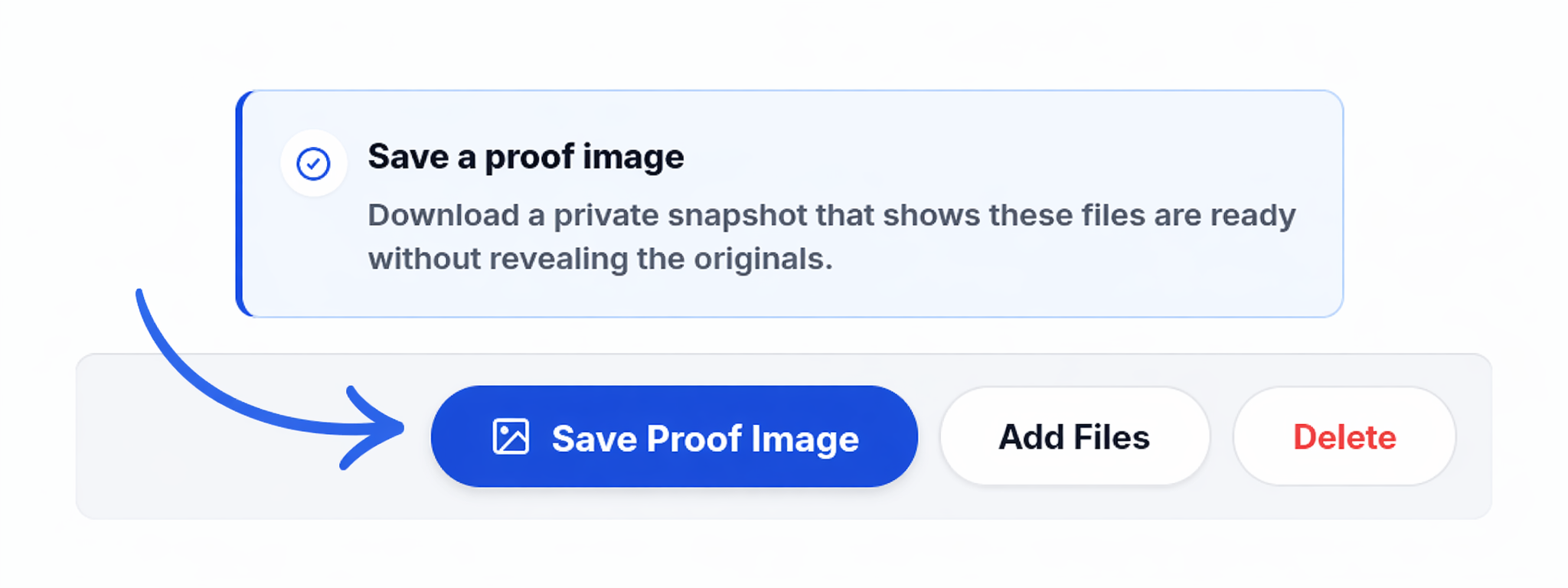
The proof image shows blurred previews and file details without exposing the original files.
When you are ready, send the folder link and the folder password to the recipient.